What Happens Next:
Check Your Inbox
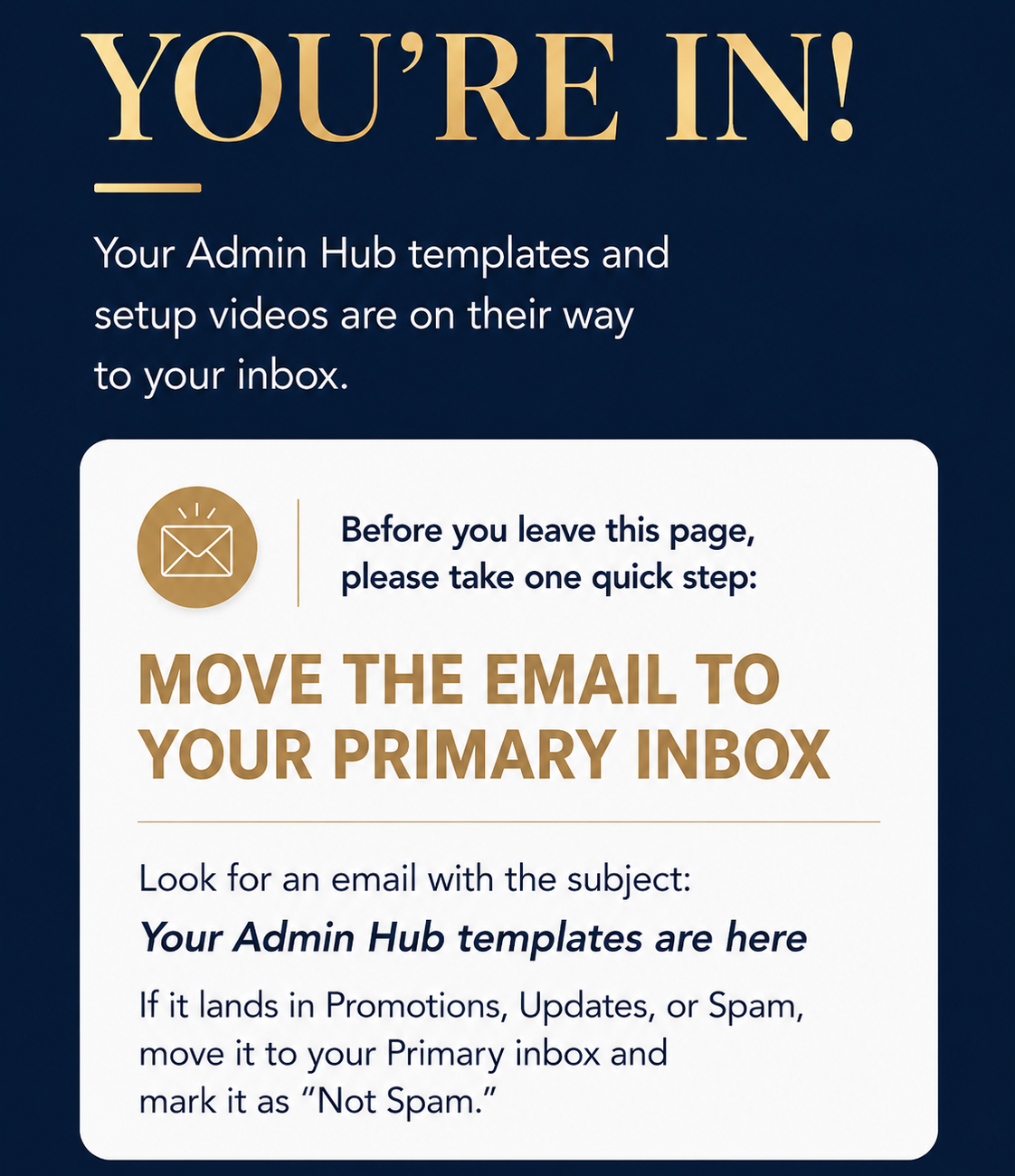
Look for the email titled “Your Admin Hub templates are here.” There should be 2 links inside.
Move it to Primary
If it lands in Promotions or Spam, move it to your main inbox and mark it as “Not Spam.”

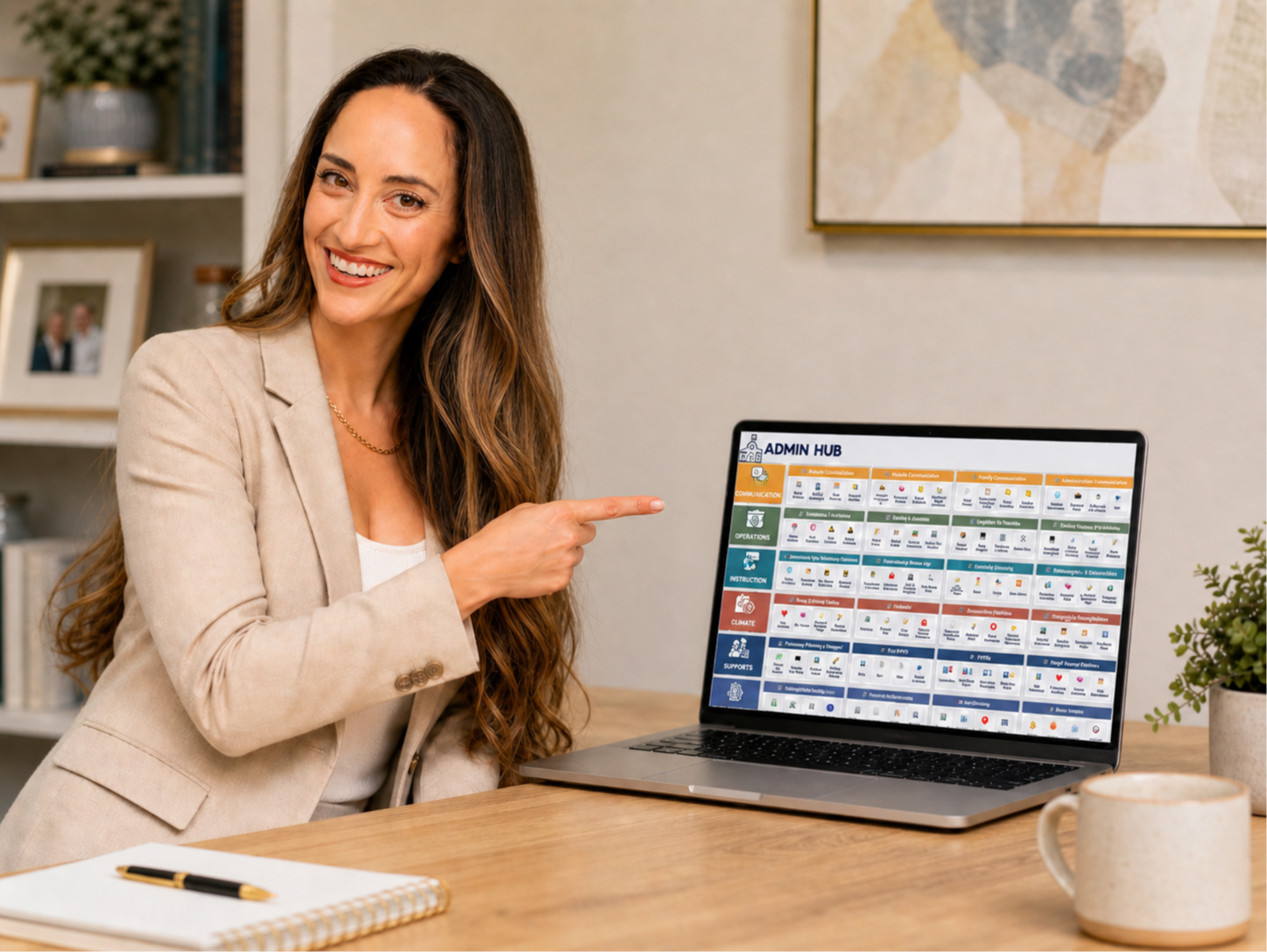
Open the Hub
Click the link inside the email, make your copy, and follow the quick-start tutorials.
DIDN’T GET THE EMAIL?
Here's what to try:
✓ Give it 5–10 minutes, then check your Promotions, Updates, and Spam folders.
✓ Look for the subject line: “Your Admin Hub templates are here”
✓ If you find it outside your main inbox, follow the steps outline above.
✓ Still nothing? District email filters can be strict. Try signing up again with a personal email address.
✓ If nothing works, please reach out: hello@sheetsavvyeducator.com