GET THE ADMIN HUB—PLUS THE SYSTEM THAT ORGANIZES EVERYTHING BEHIND IT.
Stop searching through Google Drive, email, bookmarks, Downloads, and folders every time you need a file. Start from one customizable Admin Hub, then use the companion training to organize everything behind it.
Everything you need is included in one purchase.
✔️ Complete Admin Hub
✔️ Guided video walkthroughs
✔️ Ready-to-use templates
GET THE ADMIN HUB + VIDEO WALKTHROUGHS
Let Me Guess...
Your Google Drive is a mess.
Your files feel scattered across folders, bookmarks, tabs, emails, shared drives and all the other digital places you check throughout the day.
Your digital space feels cluttered, chaotic, and overwhelming—but you do not have the time or energy to stop everything and figure out how to organize it.
You know you need a better system.
You just do not know where to start—or how to create one that will actually stay organized once the school year gets busy.
You do NOT need a summer-long folder-cleanup session or a prettier way to store the same scattered files.
You need a clear workflow for managing your entire digital landscape.
Imagine how it would feel if you could...
Give every file a predictable home.
Create clear storage spaces for documents, links, resources, active work, and incoming files.
Find what you need more quickly
Stop checking Drive, email, Downloads, bookmarks, and open tabs for the same resource.

Open the right tabs without relying on memory
Use a repeatable workflow that keeps the tools and resources for each responsibility together.
Keep it organized when the school day gets chaotic
Use simple reset routines that help you recover quickly instead of starting over.
❝
The goal is not to remember everything.
The goal is to build a system that remembers for you.
❞
INTRODUCING
CHAOS TO COMMAND
The C.L.E.A.R. Admin Workflow Method
A practical system — without the overwhelm. You do not need to organize every old file one by one or spend your entire summer cleaning up Google Drive. Chaos to Command gives you a clear starting point and a step-by-step workflow you can build at your own pace.

CONTAIN
THE CHAOS
Create a clean
starting point
without sorting
every old file.
LEARN THE LANDSCAPE
Understand the
purpose of each
digital
space.

ESTABLISH NORTH STAR
Build one clear
command center
for your
work.

ALIGN THE WORKFLOW
Connect your
command center
to the systems
behind it.
REFINE & RESET
Create simple
routines that
keep the system
working.
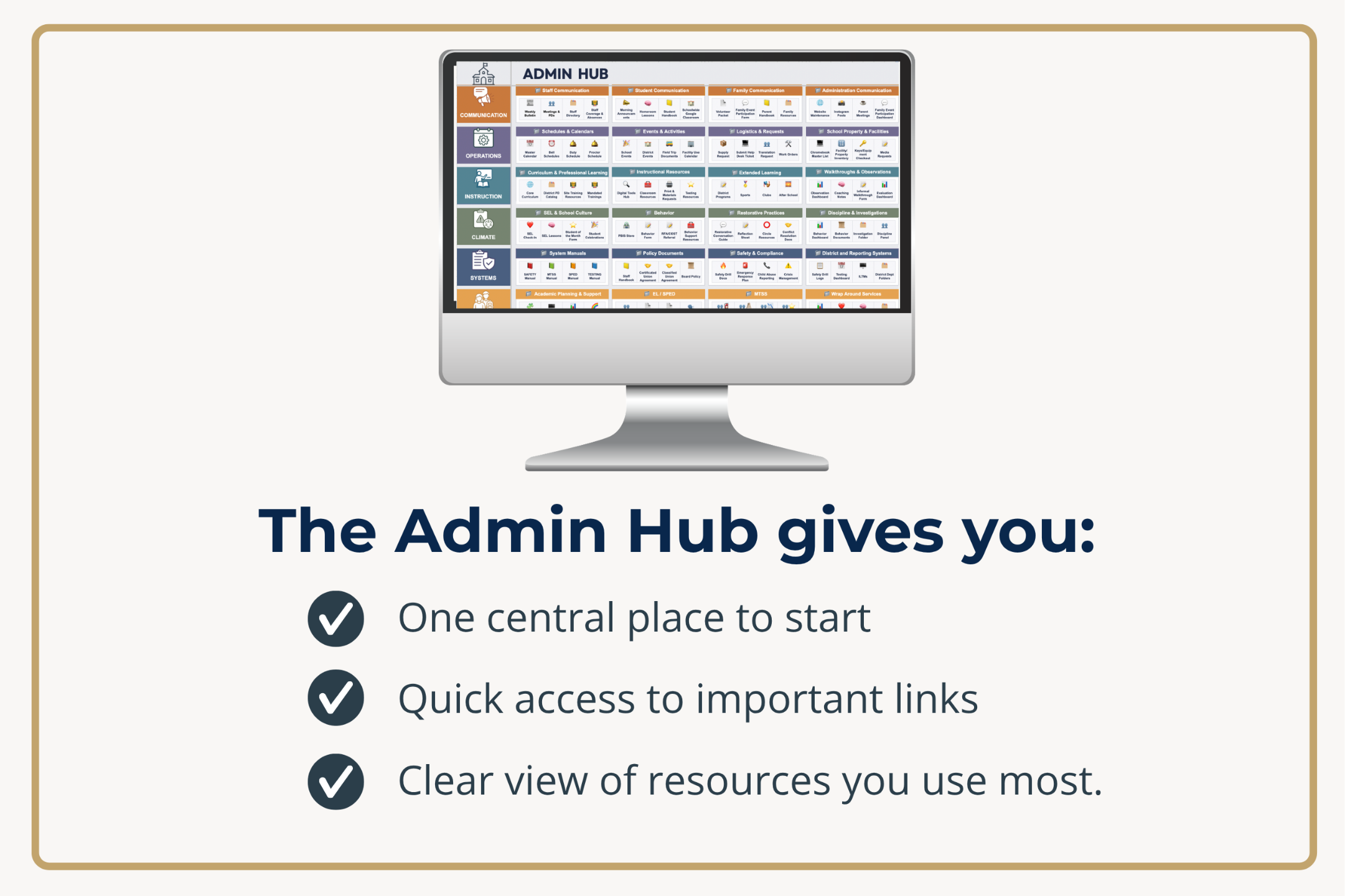
An Admin Hub is Only the Beginning
A Hub gives you one place to start. A workflow turns it into a Command Center.

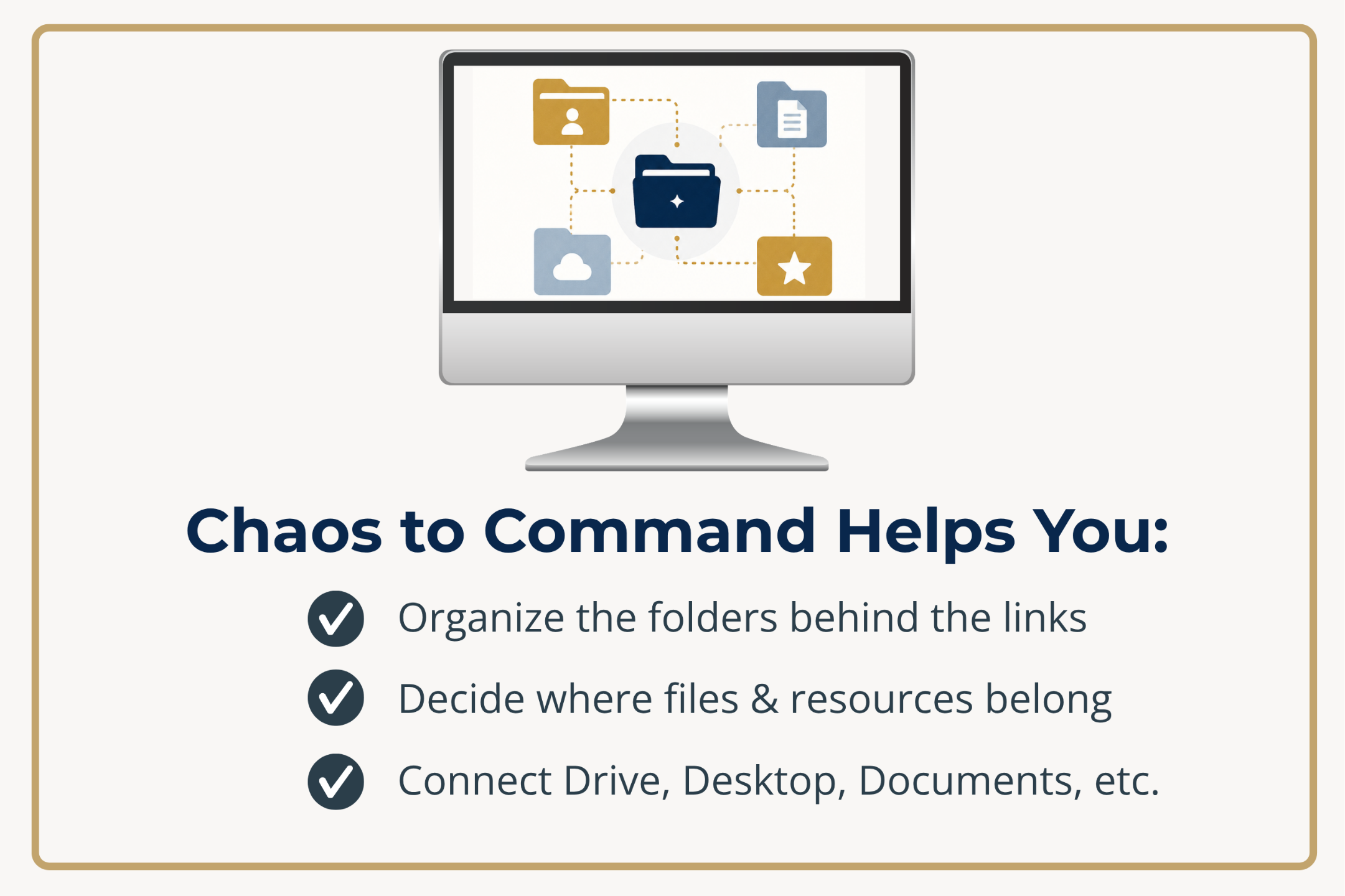
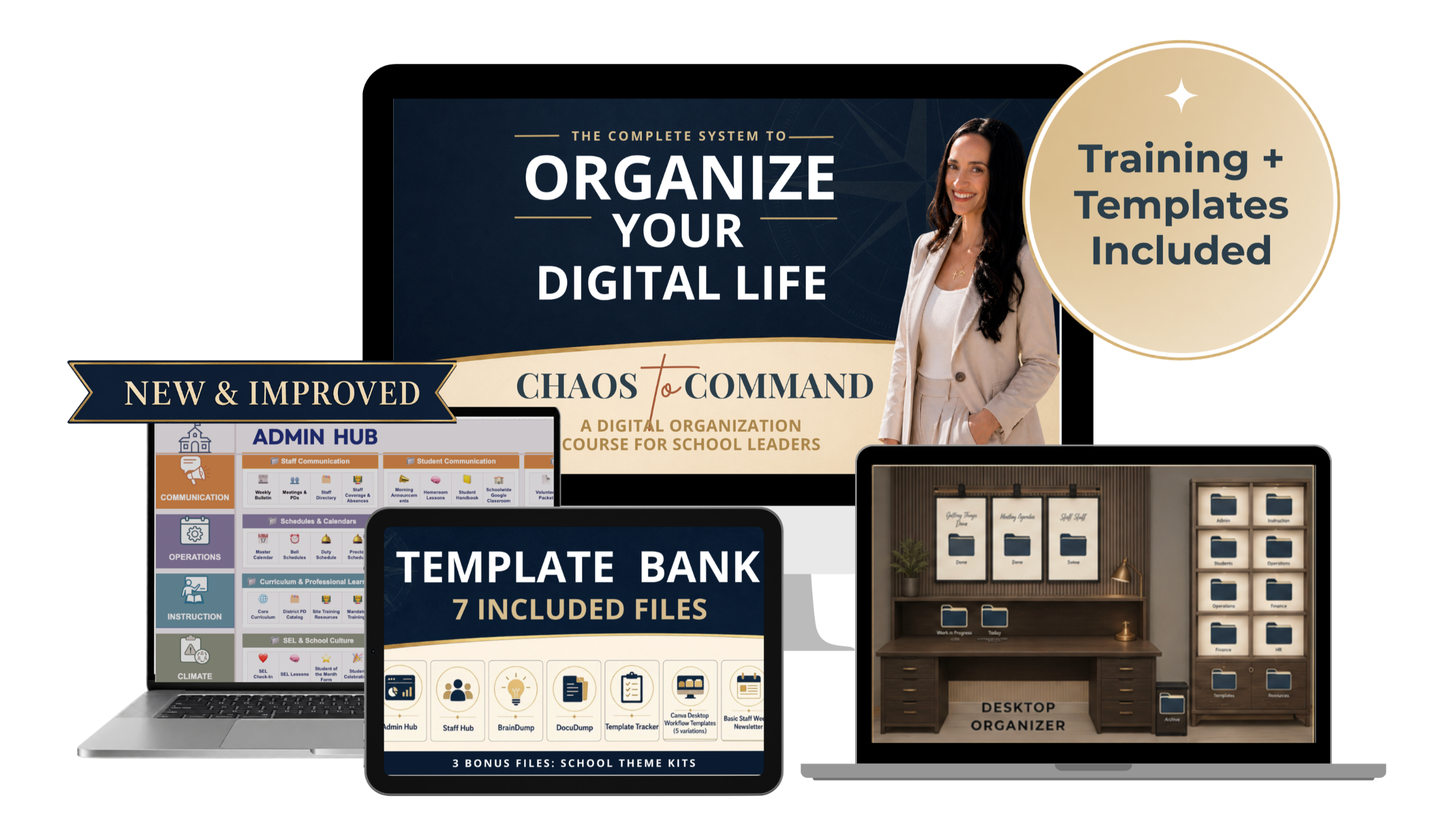
What's Included?
✓ ~4 Hours of core training
✓ Focused lessons you can apply as you go
✓ A workflow you can adapt to your role
✓ [LAUNCH BONUS #1] Private Launch Community
✓ [LAUNCH BONUS #2] Optional Bonus Trainings
Ready-to-Use Tools
You won’t just learn the workflow. You’ll get the templates and tools to start building it right away. Use the pieces that fit your role, your school, and your current season.
✓ New & Improved Admin Hub
✓ BrainDump Template
✓ DocuDump Template
✓ Template Tracker
✓ Five Desktop Workflow Backgrounds
✓ Staff Hub Template
✓ Basic Staff Weekly Bulletin Template
✓ [LAUNCH BONUSES] Three Bonus Theme Kits
SPECIAL LAUNCH PRICE: $47
Is this version for you?
Chaos to Command was created for school leaders who want a practical system they can customize and maintain--without starting from scratch.
This course
is a strong fit if...
✅ You are a school administrator, instructional coach, coordinator, or educational leader
✅ You manage files, links, forms, trackers, and ongoing projects across multiple digital spaces.
✅ You use Google Drive or Google Workspace for at least part of your daily work.
✅ You prefer self-paced, step-by-step guidance.
This version may
not be the best fit if...
❌ You are looking for classroom-specific teacher examples and templates
❌ Your organization works entirely inside Microsoft 365 and you need click-by-click Microsoft tutorials
❌ You only want a new folder structure rather than a complete digital workflow
❌ You secretly enjoy playing “Where did I save that?” in 17 different places on a regular basis.
A Quick Note Before You Enroll
🍎 Teachers
The organization principles inside Chaos to Command can be adapted to a classroom workflow, but the examples, demonstrations, and templates in this version were created for administrators.
A teacher-focused version is planned for Fall 2026.
✨NOTIFY ME WHEN THE TEACHER VERSION OPENS ✨→💻 Microsoft 365 Exclusive Users
The core workflow principles can transfer to OneDrive, SharePoint, Teams, Outlook, your Desktop and active files. However, the click-by-click demonstrations and included templates are primarily built for Google Drive™ and Google Workspace™.
This version is best for someone who uses Google for at least part of their work.
Why I Created Chaos to Command
My story, my struggle, and the system I wish I had when I was a first-year administrator.
I Knew How to Build Systems—
Just Not Across My Entire Digital Life
I was not naturally organized in every area of my life. Honestly, I had to make the decision to become more organized over time.
And let’s just say… becoming an administrator expedited that shift.
When I had a clearly defined process, like testing coordination, I was strong at building systems, tracking details, preparing materials, and making sure every moving piece had a place.
But my broader digital workspace was another story.
I had created helpful tools as a teacher and instructional coach: digital material stations, a student-friendly Google Classroom, mastery trackers, PLC hubs, and systems for specific parts of my work.
What I did not have was one connected workflow for everything.
When I became a first-year administrator, the number of files, links, forms, trackers, district documents, shared resources, and active projects increased almost overnight. The systems that had worked within individual areas were no longer enough.
I did not need another set of folders. I needed to understand how all of my digital spaces were supposed to work together.
I wish someone had taught me that when I entered administration.
Chaos to Command is the resource I needed then: a practical, step-by-step way to apply systems thinking across your entire digital workflow.
Disclaimer: It will help you get your digital life in order, but I make no promises that your radio will make it back on its charger every day.
YES, I NEED THIS TOO!
Let's Build a System That Actually Works for You
Everything That is Included:
Inside Chaos to Command, You'll Get:
✓ About 4 hours of core training, broken into short lessons and build-with-me labs
✓ The complete C.L.E.A.R. Admin Workflow
✓ New & Improved Admin Hub Template
✓ Plug-and-play tools including BrainDump Template, DocuDump Template, and Template Tracker
✓ Five Desktop Workflow Backgrounds, Staff Hub Template, and Basic Staff Weekly Bulletin Template
✨ BONUSES ✨
✓ 3 Bonus Theme Kits (Google Sheets, Slides, & Docs)
✓ Bonus Training #1: How to Use a School Kit for Faster Document Creation
✓ Bonus Training #2: How to Build a Shared Drive When Your School is Ready