Stop Wondering Where Everything Lives.
Build the digital workflow every school leader wishes they had from day one.
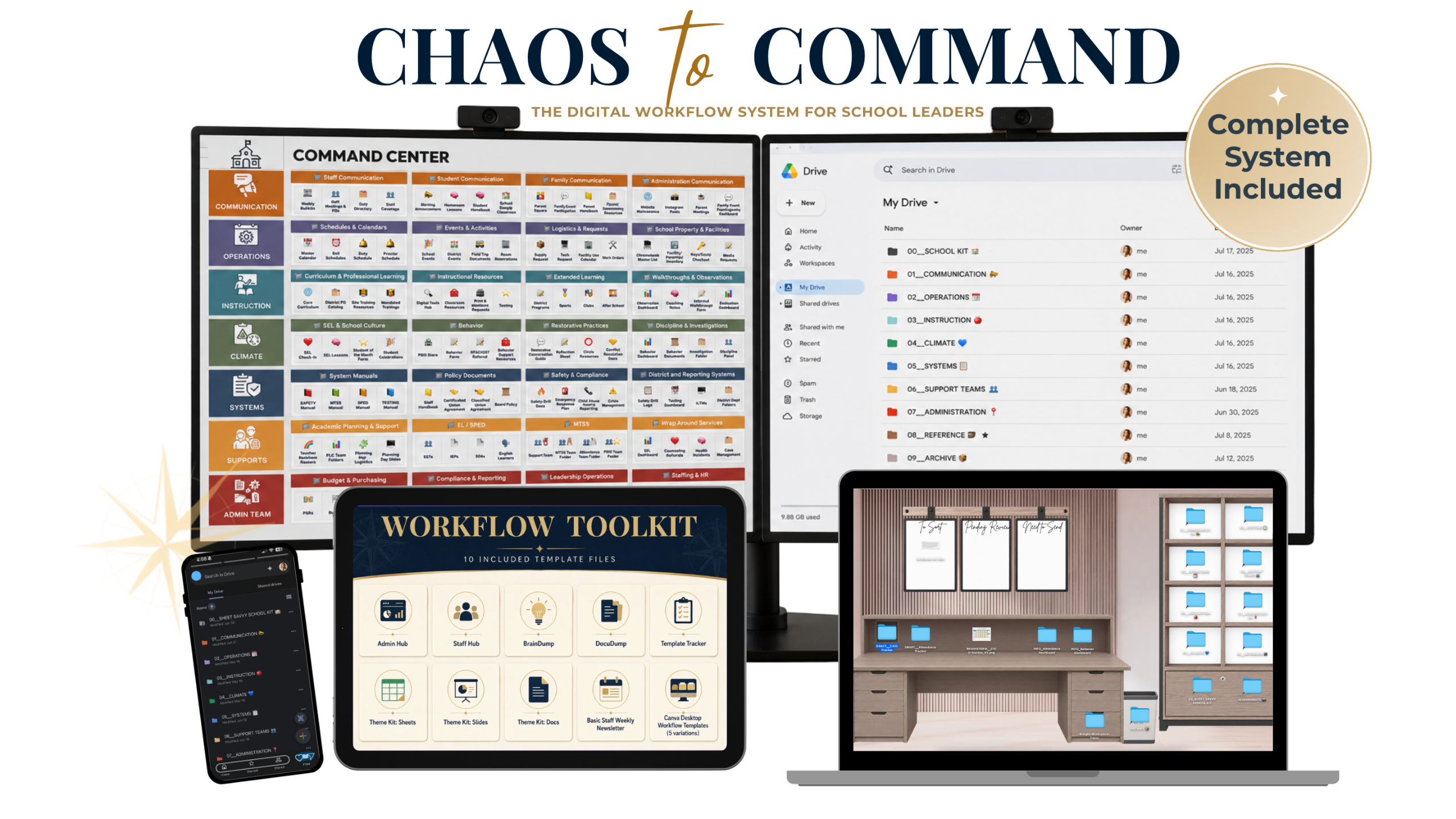
Being an administrator shouldn't feel like a scavenger hunt...
Every day, you’re expected to remember where everything lives.
The walkthrough form you used last month.
The MTSS tracker you updated before break.
The parent communication from three weeks ago.
The staff meeting slides you need tomorrow.
The Title I evidence stored across eight different places.
The Google Form someone shared with you two months ago.
The behavior documentation you have to log in three systems.
Meanwhile...
Your Google Drive
Your Desktop.
Your Downloads Folder.
Your email.
Your Bookmarks.
Your Shared Drives.
They're all competing for your attention.
The problem isn’t that you’re disorganized.
It’s that no one ever taught you how to build a digital workflow that supports the real work of school leadership.
❝
The goal is not to remember everything.
The goal is to build a system that remembers for you.
❞
That's Why I Built Chaos to Command
Chaos to Command is the step-by-step workflow I wish someone had taught me years ago. Instead of trying to organize everything at once, you'll build a connected digital workspace one layer at a time.
Already using the free Admin Hub?
Great! You're already starting with the foundation.The Admin Hub is your front door. Chaos to Command is the system that organizes everything behind it.
I recorded this short video to show you how the Admin Hub evolved into a complete digital workflow that connects your Google Drive, Desktop, Downloads, Bookmarks, templates, and more.
▶ Watch the 3-minute overview below.
What's Included
Everything you need to build your digital workflow is included. Customize the tools for your role, your school, and your current season—and start using them right away.
Core Workflow
✓ Admin Hub
✓ BrainDump Template
✓ DocuDump Template
✓ Template Tracker
Productivity Tools
✓ Five Desktop Workflow Backgrounds
✓ Staff Hub Template
✓ Basic Staff Weekly Bulletin Template
✓ [LAUNCH BONUSES] Three Bonus Theme Kits
Step-by-Step Training
✓ Build your workflow with over 4 hours of step-by-step video training.
✓ Focused lessons you can apply as you go
✓ A workflow you can adapt to your role
✓ [LAUNCH BONUS #1] Private Launch Community
✓ [LAUNCH BONUS #2] Optional Bonus Trainings
TODAY'S PRICE: $67
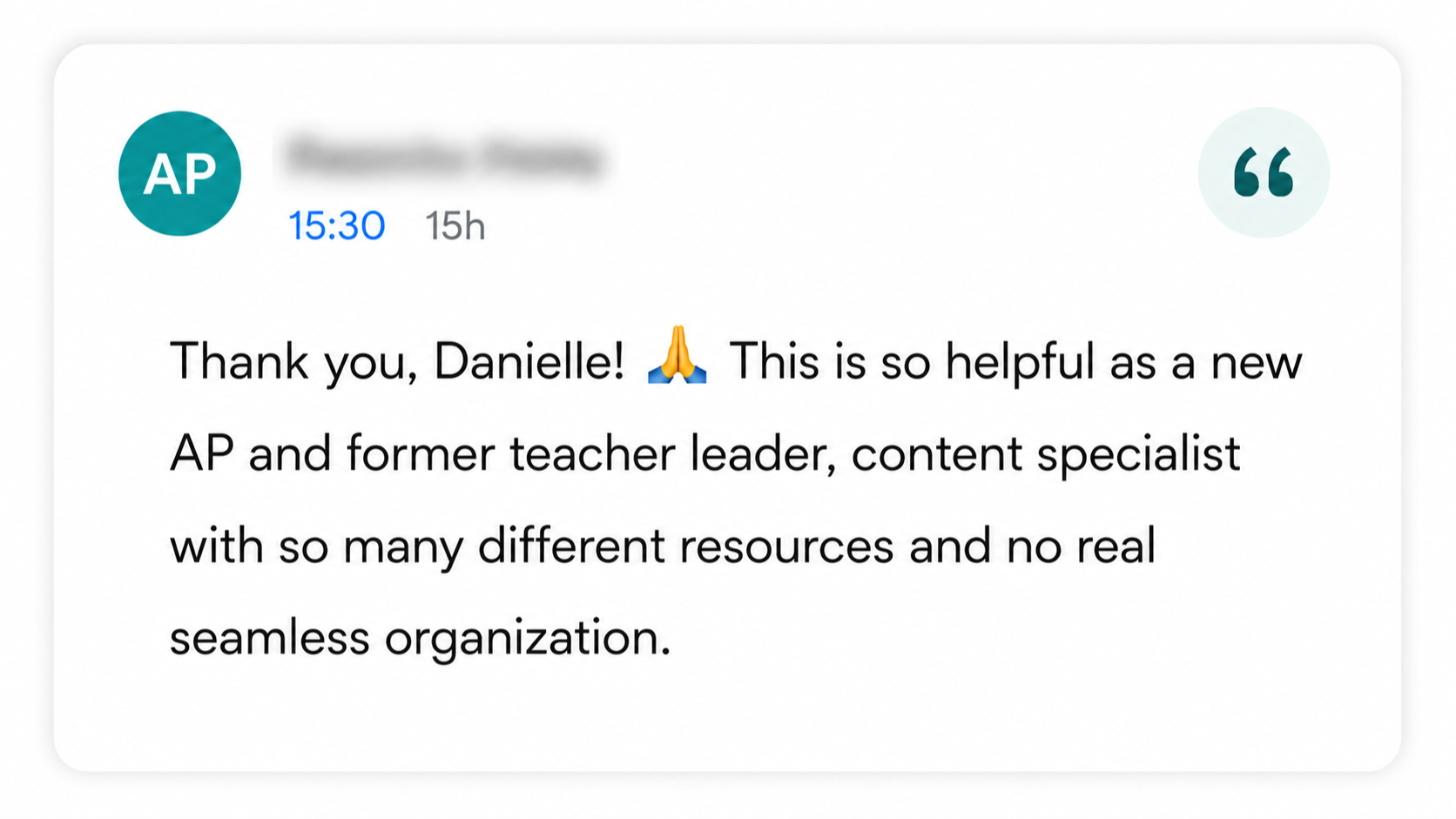
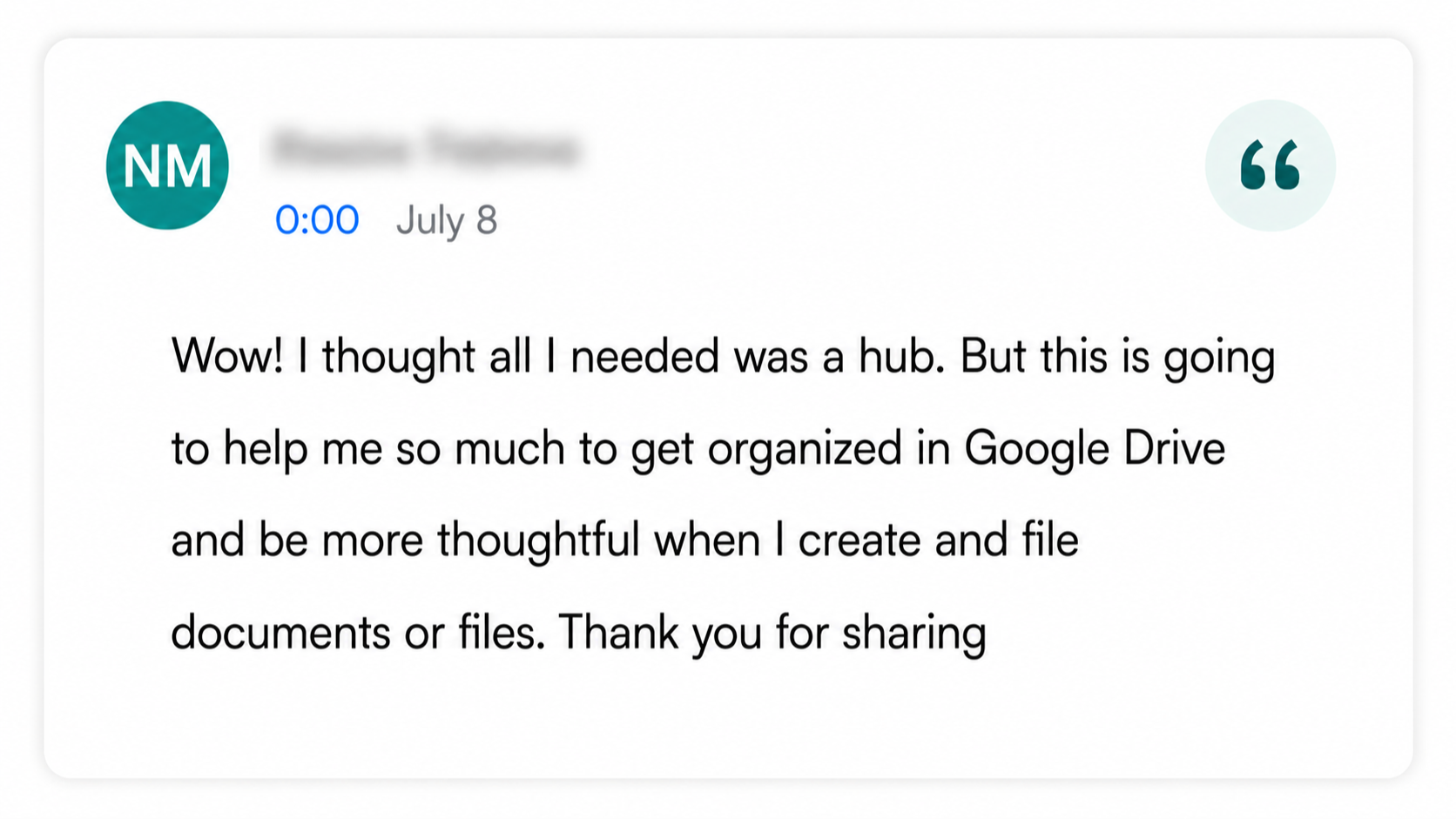
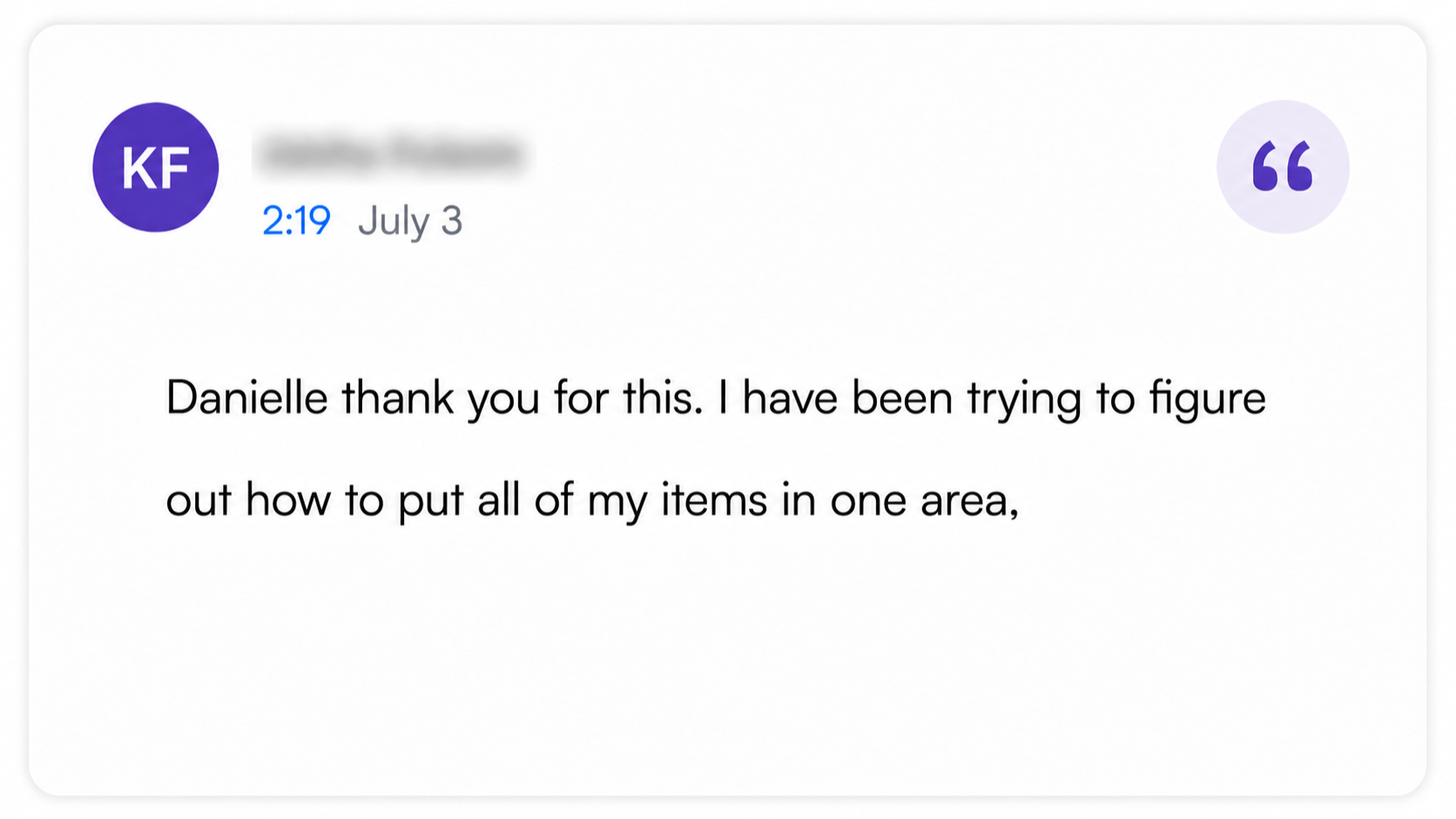
Real Feedback from School Leaders
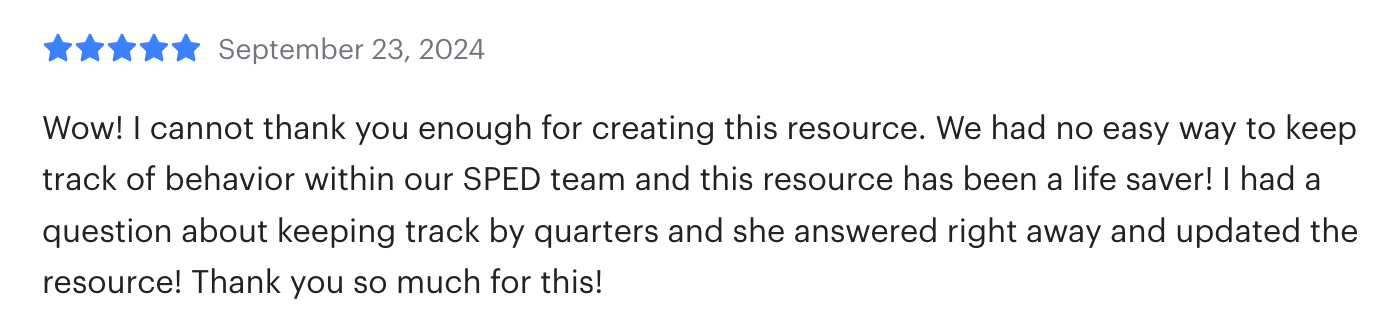
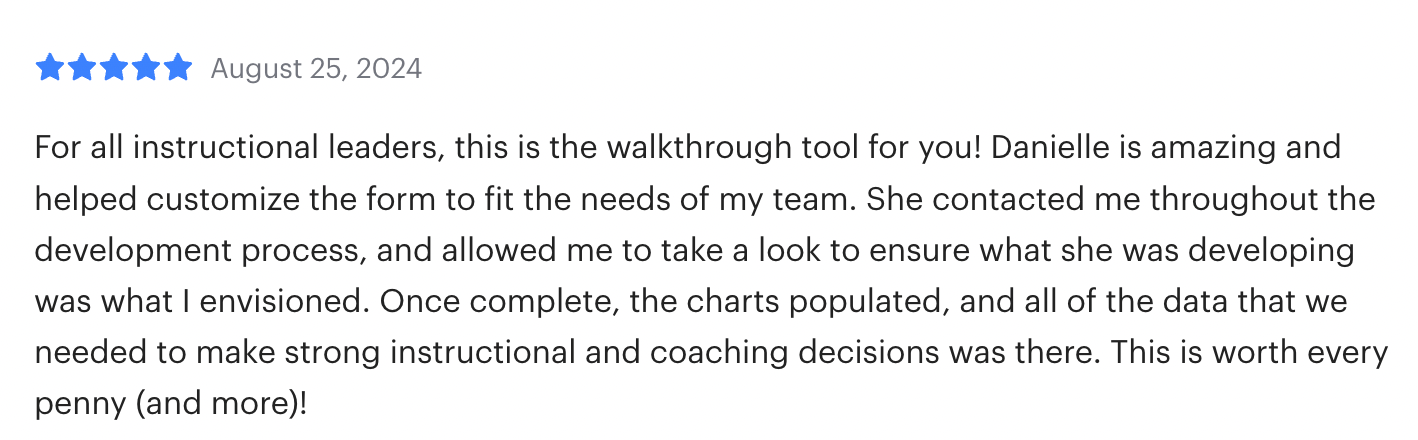
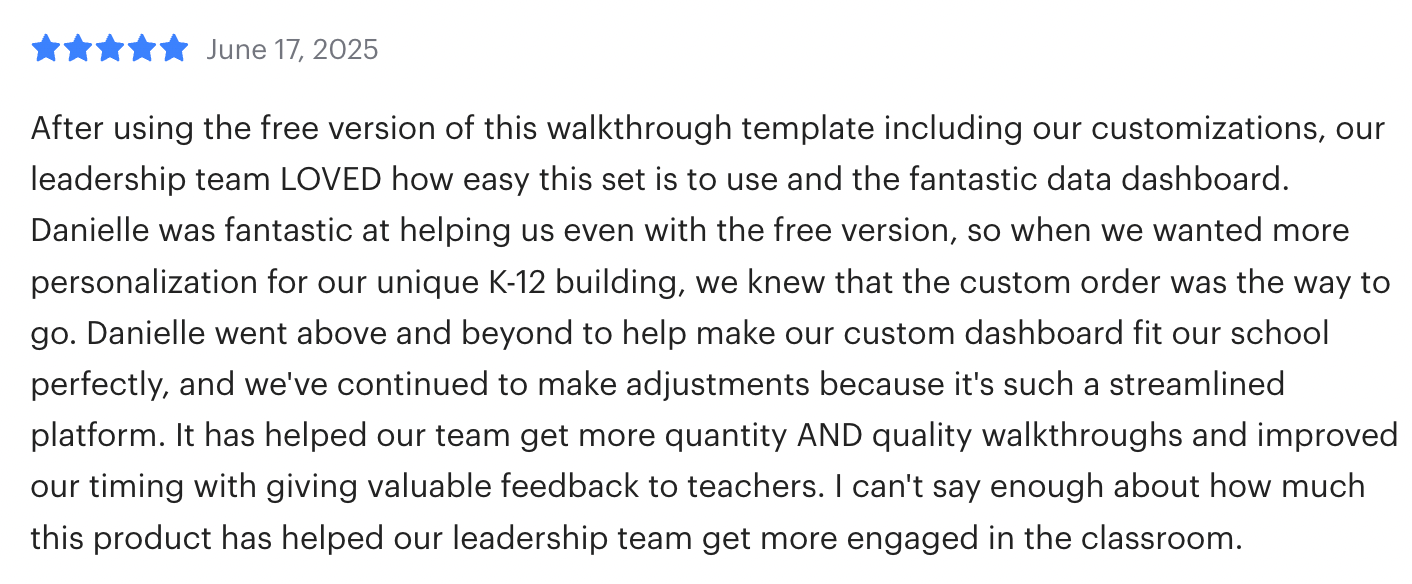
For years, I’ve helped school leaders build practical systems, dashboards, and digital tools that make complex work easier to manage. Here’s what they’ve shared about my resources, support, and the Admin Hub experience.

Meet the Creator Behind Chaos to Command
Former school administrator. Lifelong systems-builder. Someone who understands how quickly digital work can become overwhelming.
Hi, I’m Danielle. I’m a former assistant principal, instructional coach, teacher, and the creator of Sheet Savvy Educator.
Throughout my career, I became known for building practical systems, dashboards, trackers, and digital tools that helped make complicated work easier to manage. I could create a strong process for an individual responsibility, but when I entered administration, the number of files, links, forms, district resources, trackers, and active projects increased almost overnight.
I realized I did not simply need another folder structure. I needed to understand how all of my digital spaces were supposed to work together.
Chaos to Command is the resource I wish someone had given me when I became an administrator: a practical, step-by-step way to build a connected digital workflow that can grow and change with your role.
My goal is not to hand you a rigid system that only works for one person or one school. It is to help you create a clear, maintainable workspace that supports the way you lead.
And while I can help you organize your digital workflow, I make no promises that your radio will make it back onto its charger every day 😂.
YES, I’M READY TO BUILD MY WORKFLOW
Is Chaos to Command for you?
Chaos to Command was created for school leaders who want a practical system they can customize and maintain--without starting from scratch.
This course
is a strong fit if...
✅ You are a school administrator, instructional coach, coordinator, or educational leader
✅ You manage files, links, forms, trackers, and projects across multiple digital spaces.
✅ You use Google Drive or Google Workspace for at least part of your daily work.
✅ You prefer self-paced, step-by-step guidance.
This version may
not be the best fit if...
❌ You are looking for classroom-specific teacher examples and templates
❌ Your organization works entirely inside Microsoft 365 and you need click-by-click Microsoft tutorials
❌ You only want a new folder structure rather than a complete digital workflow
❌ You secretly enjoy playing “Where did I save that?” in 17 different places on a regular basis.
A Quick Note Before You Enroll
🍎 Teachers
The organization principles inside Chaos to Command can be adapted to a classroom workflow, but the examples, demonstrations, and templates in this version were created for administrators.
A teacher-focused version is planned for Fall 2026.
✨NOTIFY ME WHEN THE TEACHER VERSION OPENS ✨→💻 Microsoft 365 Exclusive Users
The core workflow principles can transfer to OneDrive, SharePoint, Teams, Outlook, your Desktop and active files. However, the click-by-click demonstrations and included templates are primarily built for Google Drive™ and Google Workspace™.
This version is best for someone who uses Google for at least part of their work.
Let's Build a System That Actually Works for You
Everything That is Included:
Inside Chaos to Command, You'll Get:
✓ About 4 hours of core training, broken into short lessons and build-with-me labs
✓ The complete C.L.E.A.R. Admin Workflow
✓ New & Improved Admin Hub Template
✓ Plug-and-play tools including BrainDump Template, DocuDump Template, and Template Tracker
✓ Five Desktop Workflow Backgrounds, Staff Hub Template, and Basic Staff Weekly Bulletin Template
✨ BONUSES ✨
✓ 3 Bonus Theme Kits (Google Sheets, Slides, & Docs)
✓ Bonus Training #1: How to Use a School Kit for Faster Document Creation
✓ Bonus Training #2: How to Build a Shared Drive When Your School is Ready